


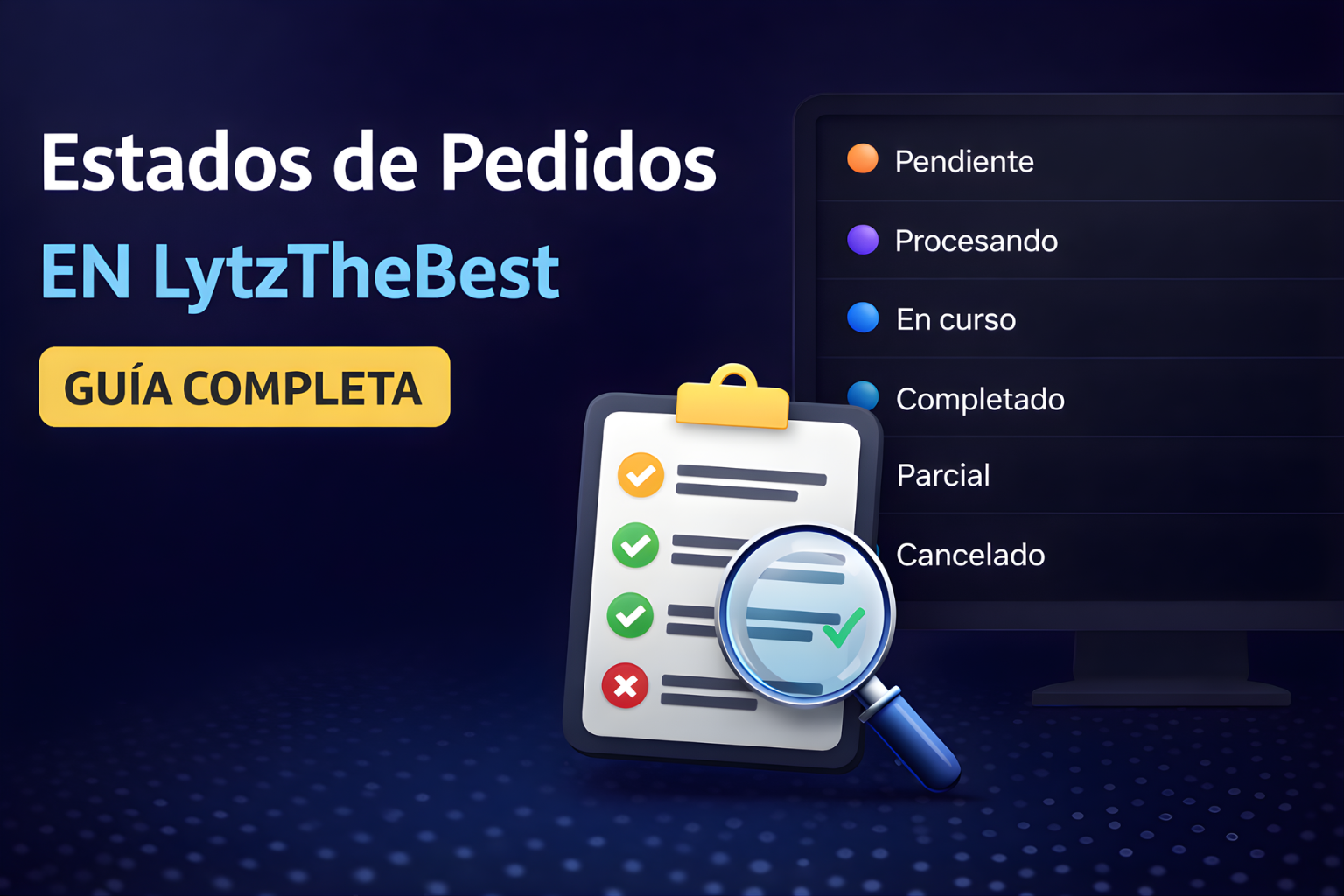
Order Statuses - What Do They Mean?
📌 Official Status Guide
In this section, we explain what each status shown on your orders means.
✅ Tip: You can view all your orders here: https://lytzthebest.com/orders
✅ Tip: You can view all your orders here: https://lytzthebest.com/orders
🟠 Pending
Your order has been received, but has not started yet.
What to do?
✅ Wait a few minutes.
⚠️ If the service has high demand, it may take a little longer to start.
What to do?
✅ Wait a few minutes.
⚠️ If the service has high demand, it may take a little longer to start.
🟣 Processing
The system is validating the order and preparing delivery.
What to do?
✅ Wait, it usually changes to In progress shortly.
⚠️ Avoid submitting another order to the same link until it moves forward.
What to do?
✅ Wait, it usually changes to In progress shortly.
⚠️ Avoid submitting another order to the same link until it moves forward.
🔵 In Progress
Your order is currently undergoing active delivery.
What to do?
✅ Do not change the link or set the account to private.
✅ Avoid placing an identical order for the same link before it finishes.
What to do?
✅ Do not change the link or set the account to private.
✅ Avoid placing an identical order for the same link before it finishes.
🟢 Completed
The order has been 100% successfully delivered.
What to do?
✅ All set, no action needed.
💡 You can save the Order ID in case you need support later.
What to do?
✅ All set, no action needed.
💡 You can save the Order ID in case you need support later.
🟡 Partial
The order was partially delivered and stopped before reaching the full amount.
This can happen due to platform updates, link limits, or changes to the account.
What to do?
✅ You can request a review by providing the Order ID.
⚠️ Check that the link is correct and the account remains public.
What to do?
✅ You can request a review by providing the Order ID.
⚠️ Check that the link is correct and the account remains public.
🔴 Canceled
The order was canceled and the system automatically refunded the balance (or routed it for review in special cases).
Common reasons:
❌ Incorrect link
❌ Private account
❌ Duplicate order on the same link
❌ Service under maintenance
What to do?
✅ Double-check the link and try again with the correct URL.
✅ If you need assistance, send the Order ID to support.
Common reasons:
❌ Incorrect link
❌ Private account
❌ Duplicate order on the same link
❌ Service under maintenance
What to do?
✅ Double-check the link and try again with the correct URL.
✅ If you need assistance, send the Order ID to support.
✅ Final Recommendation
To avoid issues:
✔️ Make sure to submit a valid link
✔️ Keep the account public throughout the process
✔️ Do not place duplicate orders for the same link before completion
✔️ If an order gets stuck, you can request cancellation by providing the Order ID
✔️ Make sure to submit a valid link
✔️ Keep the account public throughout the process
✔️ Do not place duplicate orders for the same link before completion
✔️ If an order gets stuck, you can request cancellation by providing the Order ID