


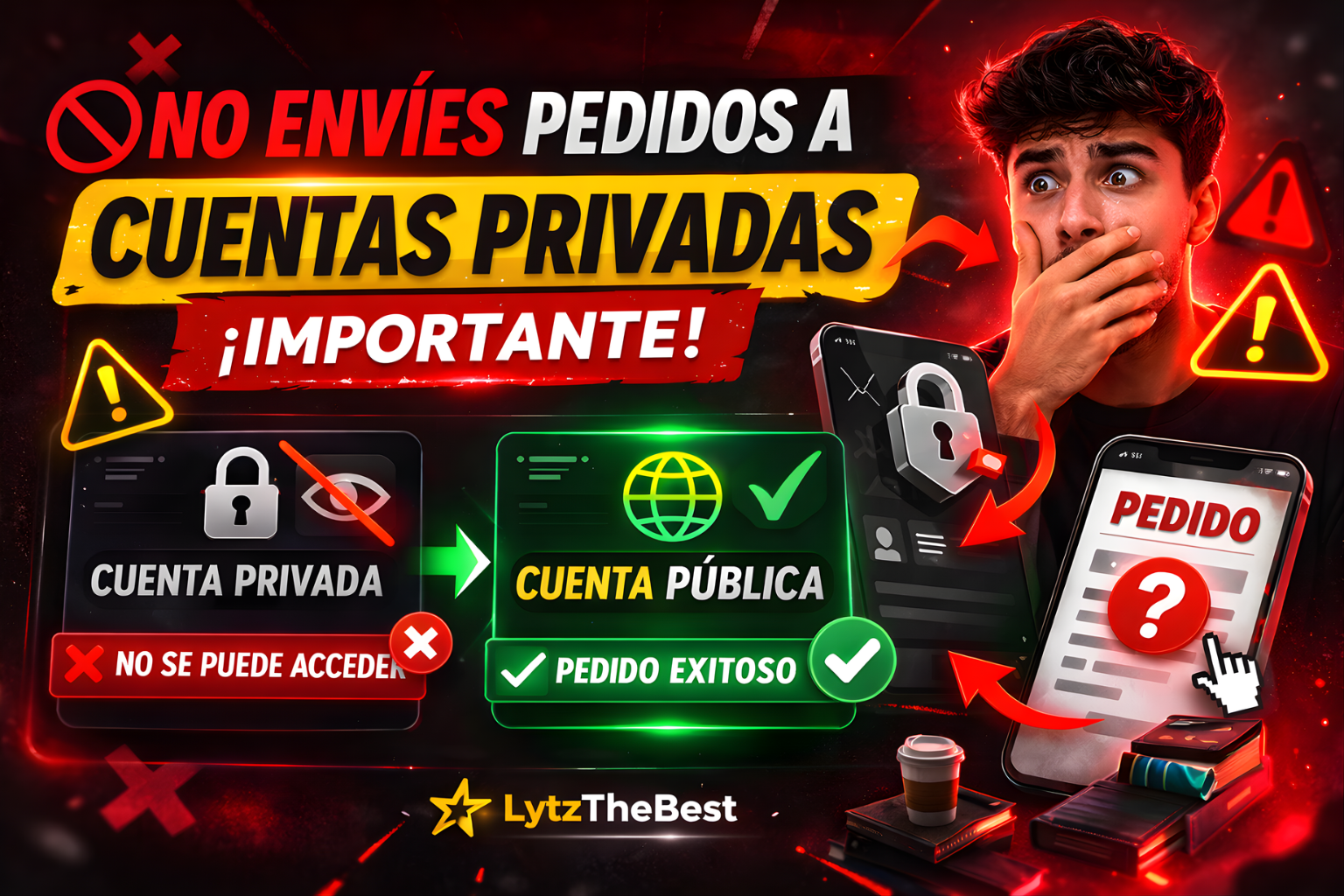
Do Not Send Orders to Private Accounts
🔒 Important Information
Most services require the account to be set to public.
If you submit an order for a private account, the system will not be able to process it properly.
❌ What happens if the account is private?
If your account is private:
• The system cannot access the profile.
• The server cannot verify the content.
• The order may remain pending.
• The order may fail automatically.
• The system cannot access the profile.
• The server cannot verify the content.
• The order may remain pending.
• The order may fail automatically.
✅ How to do it correctly
Before placing your order:
• Set your account to public mode.
• Wait 1–2 minutes for the change to take effect.
• Then place your order.
• Keep the account public until the order is completed.
• Set your account to public mode.
• Wait 1–2 minutes for the change to take effect.
• Then place your order.
• Keep the account public until the order is completed.
🚀 Pro Tip
This applies to:
• Followers
• Likes
• Views
• LIVE Viewers
Keep your account public until the order status shows "Completed."
• Followers
• Likes
• Views
• LIVE Viewers
Keep your account public until the order status shows "Completed."